
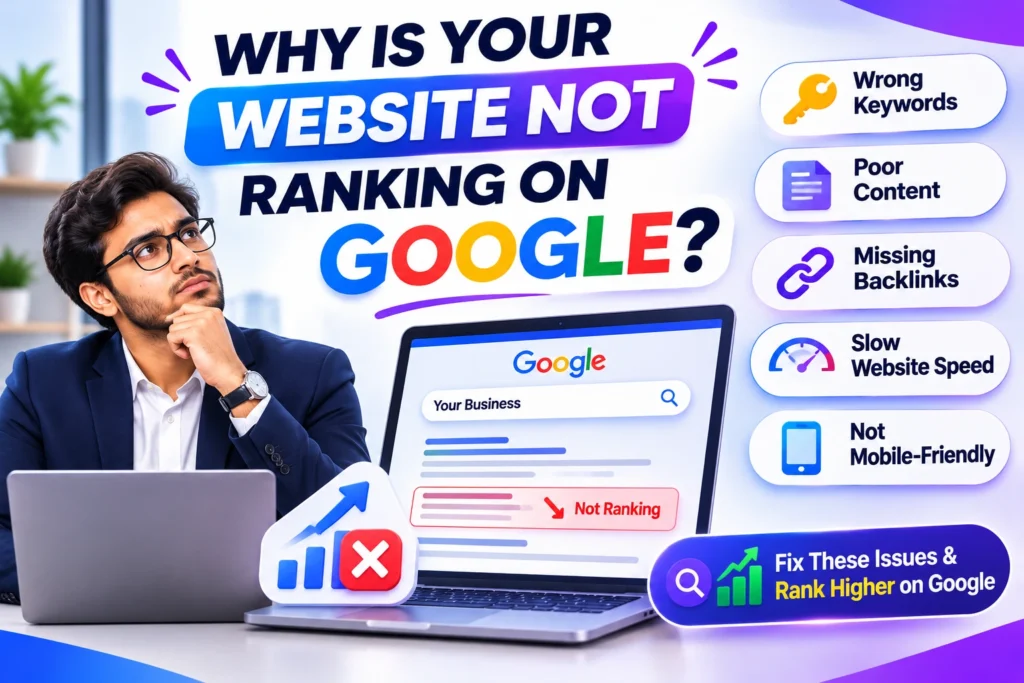
Why Is Your Website Not Ranking on Google? This is a common question for website owners who want more visitors from search engines. You may have a good website, useful pages, and clear services. But your website may still not appear near the top of Google search results.
There can be many reasons for this problem. Your website may have technical errors, weak content, poor keyword use, or slow loading pages. Sometimes, Google may not even have added your pages to its search index.
The good news is that you can check these problems and work on them. You do not need to fix everything at once. Start by finding the main issue.
Why Is Your Website Not Ranking on Google? 7 Common Reasons
In this guide, we will explain 7 common reasons why your website is not ranking on Google. You will also learn how to fix these issues and improve your website’s SEO.
1. Your Website Is Not Indexed by Google
One of the first things you should check is whether Google has indexed your website.
Indexing means Google has found your page, checked its content, and added it to its search index. A page usually needs to be indexed before it can appear in Google search results.
If Google has not indexed your page, it will not show in normal search results.
Why Does Indexing Matter?
Google needs to find and understand your website pages. If it cannot access a page, that page may not appear in search results.
New websites may also take time to get crawled and indexed. So, do not expect every new page to appear on Google at once.
How to Fix This Problem
- Open Google Search Console.
- Add and verify your website.
- Check the Page Indexing report.
- Use the URL Inspection tool.
- Check if important pages have a noindex tag.
- Submit your sitemap.
These steps can help Google find your pages. However, submitting a sitemap does not guarantee that every page will be indexed.
2. Your Content Is Not Useful Enough
Content plays an important role in SEO. If your website content does not help visitors, it may struggle to perform well in search results.
Many website owners write content only to add keywords. They do not focus on what people want to learn.
This can make the content less useful.
Why Does Content Quality Matter?
People visit websites to find answers, learn something, or solve a problem.
For example, if someone searches for “how to improve website SEO”, they want clear steps and useful advice.
If your page only repeats keywords without giving helpful information, visitors may not get what they need.
How to Improve Your Content
- Write for your target audience.
- Answer common customer questions.
- Use simple and clear language.
- Add useful examples.
- Keep information correct and updated.
- Remove repeated and unnecessary text.
Try to make every page useful for the person reading it. Do not write long content just to increase the word count.
3. You Are Targeting the Wrong Keywords
Keywords help search engines understand what your page is about. They also help you create content that matches what people search for.
But choosing the wrong keywords can make it harder for your website to reach the right audience.
For example, a new website may target a very broad keyword with strong competition. It may be difficult to rank for that term.
Why Is Keyword Research Important?
Keyword research helps you understand what your audience is searching for.
It also helps you find terms that match your products, services, and content.
For example, a digital marketing agency in Delhi NCR may target terms related to SEO services in Delhi or website design for small businesses.
These terms can be more relevant to its target audience than a very broad keyword.
How to Fix Keyword Problems
- Find keywords related to your business.
- Understand what people want from each search.
- Use relevant keywords in your headings.
- Add keywords naturally to your content.
- Avoid repeating the same keyword too often.
- Focus on specific search terms.
Choose keywords that match your page topic. Do not add a keyword if it does not fit the content.
4. Your Website Loads Slowly
Website speed is important for visitors. People may leave a page if it takes too long to load.
A slow website can also make it harder for users to explore your content and services.
Google uses page experience signals in its ranking systems. So, it is worth checking how your website performs.
What Makes a Website Slow?
There can be several reasons for slow loading.
Some common reasons include:
- Large image files.
- Too many plugins.
- Poor hosting performance.
- Unnecessary scripts.
- Heavy website themes.
- Unused website files.
These issues can affect your website’s loading time.
How to Improve Website Speed
- Compress large images.
- Use a lightweight theme.
- Remove plugins you do not need.
- Enable caching.
- Choose reliable hosting.
- Check your website on mobile devices.
You can also test your website with a speed testing tool. This can help you find areas that need improvement.
5. Your Website Is Not Mobile-Friendly
Many people use mobile phones to search for products, services, and information.
If your website does not work well on mobile devices, visitors may find it hard to use.
For example, text may look too small, images may not fit the screen, or buttons may be hard to click.
Why Is Mobile-Friendly Design Important?
Google mainly uses the mobile version of a website for indexing and ranking.
This means your mobile website should have the same important content as your desktop version.
A good mobile design also makes it easier for visitors to read pages and use your website.
How to Make Your Website Mobile-Friendly
- Use a responsive website design.
- Make text easy to read.
- Keep buttons large enough to tap.
- Check image sizes.
- Avoid horizontal scrolling.
- Test important pages on mobile phones.
Make sure your visitors can use your website without facing problems on smaller screens.
6. Your Website Has Technical SEO Errors
Technical SEO helps search engines crawl and understand your website.
If your website has technical problems, Google may face issues while accessing or understanding your pages.
These problems can affect crawling, indexing, and search visibility.
Common Technical SEO Problems
Here are some common issues you should check:
- Broken links.
- Incorrect redirects.
- Missing XML sitemap.
- Wrong robots.txt settings.
- Duplicate page URLs.
- Incorrect canonical tags.
- Accidental noindex tags.
Even a small mistake can affect an important page.
How to Fix Technical SEO Errors
- Check your website in Google Search Console.
- Find pages with indexing errors.
- Fix broken links.
- Review your redirect settings.
- Check canonical tags.
- Make sure important pages can be crawled.
- Review your robots.txt file.
Do not change technical settings without checking what they do. A wrong change can create more problems.
7. Your Website Has Weak Backlinks
Backlinks are links from other websites that point to your website.
They can help search engines discover your pages. Links from useful and trusted websites can also support your website’s authority.
However, not all backlinks are helpful. Low-quality or spammy links may not provide value.
Why Do Backlinks Matter?
Backlinks can help search engines understand how your website is connected to other websites.
For example, a useful article about digital marketing may receive a link from another relevant website.
This can help people discover your content and may support your SEO efforts.
How to Build Better Backlinks
- Create useful and original content.
- Publish helpful guides.
- Build real business connections.
- Share useful resources with others.
- Look for relevant websites in your industry.
- Avoid buying spammy links.
Focus on getting relevant links from genuine websites. Do not build links only to increase their number.
How to Check Why Your Website Is Not Ranking on Google
Now you know the 7 common reasons behind poor search rankings. But how can you find the exact problem on your website?
You can start with a few simple checks.
1. Check Google Search Console
Open Google Search Console and review your website data.
Check the Performance report to see clicks, impressions, and search queries.
You can also check the Page Indexing report to find pages that are not indexed.
2. Check Your Website Speed
Test your website pages to find loading issues.
Pay attention to large images, slow pages, and other problems that may affect visitors.
3. Review Your Website Content
Read your important pages and ask a simple question:
Does this page give visitors the information they need?
If the answer is no, improve the content with clear details and useful examples.
4. Check Your Keywords
Make sure your page targets a relevant keyword.
The keyword should match the topic and the reason people search for it.
5. Review Technical SEO
Check for broken links, incorrect redirects, noindex tags, and other technical problems.
Fix the issues that affect important pages first.
How Long Does It Take to Rank a Website on Google?
There is no fixed time for a website to rank on Google.
Some pages may start getting search impressions in a short time. Others may need months of work before they show strong results.
The time can depend on many factors, such as:
- Website age.
- Keyword competition.
- Content quality.
- Technical SEO.
- Website history.
- Industry competition.
A new website may need more time to build trust and gain visibility.
Keep improving your website and check its performance from time to time. Avoid expecting instant results from SEO.
Final Thoughts
If your website is not ranking on Google, do not assume that one problem is causing everything.
Your website may have indexing issues, weak content, wrong keywords, slow pages, or technical errors.
Start by checking your website in Google Search Console. Then review your content, keywords, speed, and technical settings.
SEO takes time and regular work. Focus on helping visitors, fixing website problems, and creating useful content.
With a clear SEO plan and steady improvements, you can give your website a better chance to appear in Google search results.
For more information visit DIGINAMAN
For more Knowledge About this topic Visit CHATGPT & GOOGLE GEMINI
